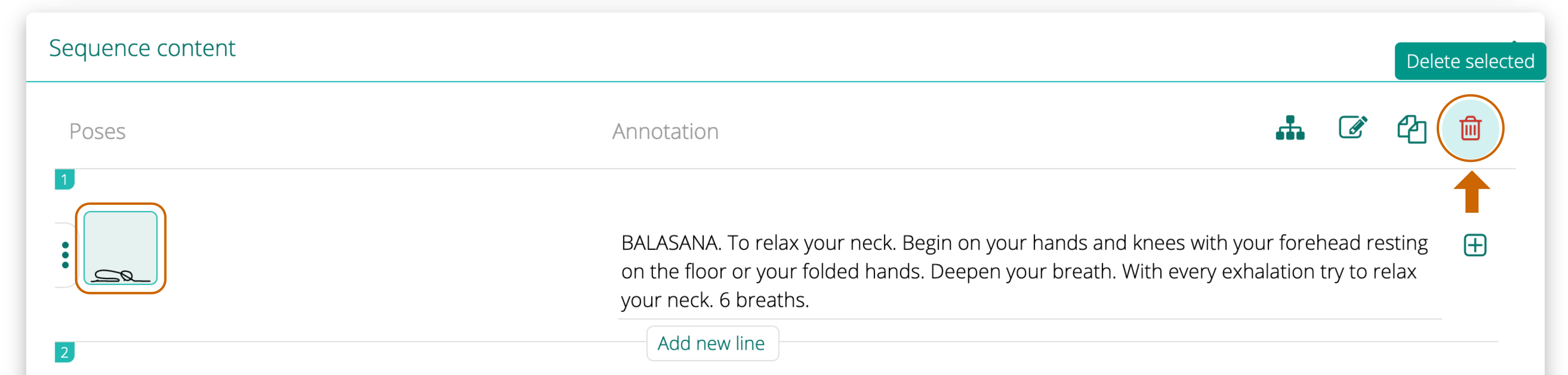
Delete pose To delete a pose, first click on it to select and then click on Trash icon in the top right corner. You can delete several poses at once. The system will ask you to confirm that you want to delete X number of pose cards. Click DELETE to confirm. Was this article helpful? Yes No



Leave A Comment?