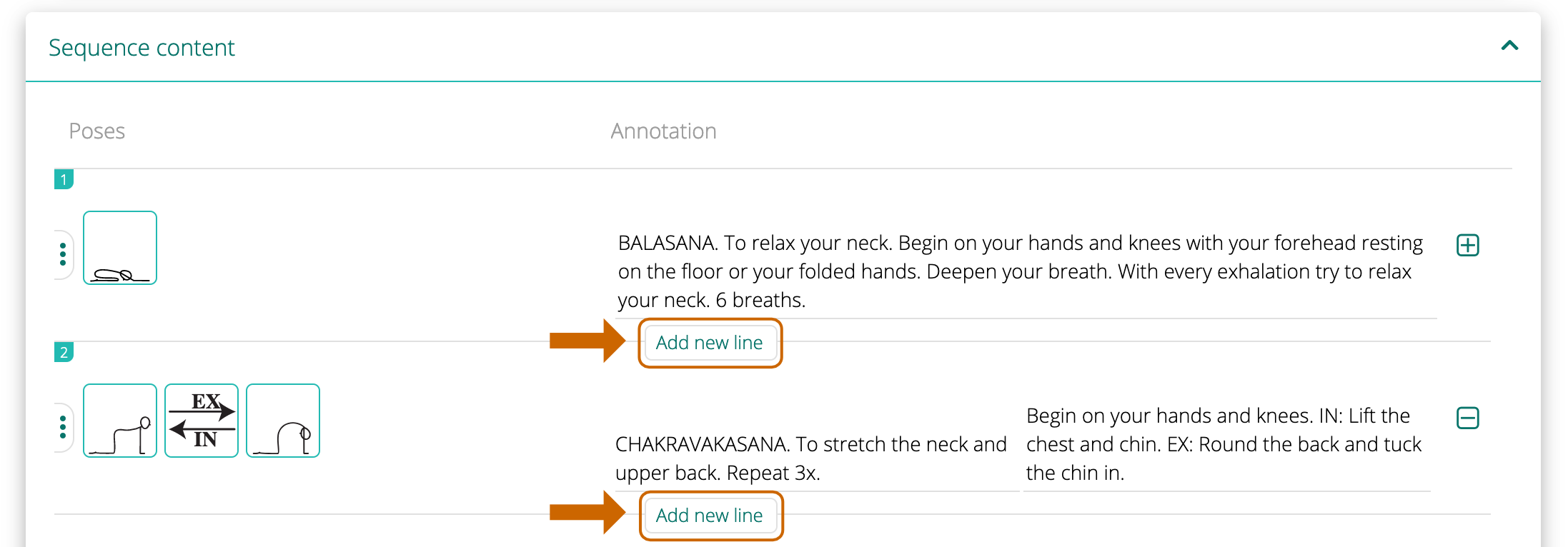
To add a new line in the sequence click on Add new line. The line will be inserted below the current line.
ADD A SAVED LINE TO A SEQUENCE >

To add a new line in the sequence click on Add new line. The line will be inserted below the current line.
ADD A SAVED LINE TO A SEQUENCE >


Sequence Wiz scheduling makes it easier than ever to manage your availability, share booking links, and let students book themselves seamlessly.
Leave A Comment?