
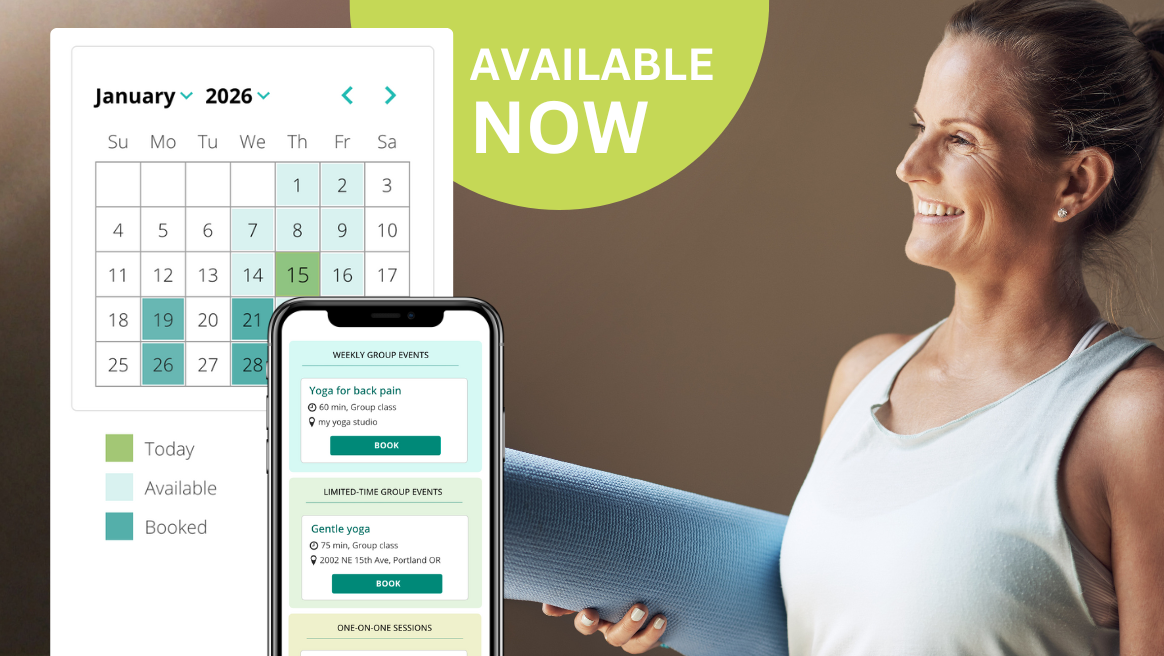
Sequence Wiz scheduling makes it easier than ever to manage your availability, share booking links, and let students book themselves seamlessly.
Getting started is simple:
Step 1: Set your availability
Choose your available days, times, and preferred time increments.
Step 2: Connect your integrations
Sync with Zoom, Doxy, and your Apple or Google Calendar to keep everything in one place.
Step 3: Create your events
Set up: private sessions (virtual or in-person), regular classes, limited-time series, and recurring events, whatever you teach.
That’s it—you’re ready to go!
How to do specific tasks in the scheduling system
To get started with the Sequence Wiz scheduling system, click on Booking.

To set up your availability schedule, go to the Availability tab and choose all the time periods during the week when you are available for booking. Students will be able to book one-on-one appointments with you during those times. This schedule will not affect your group events. 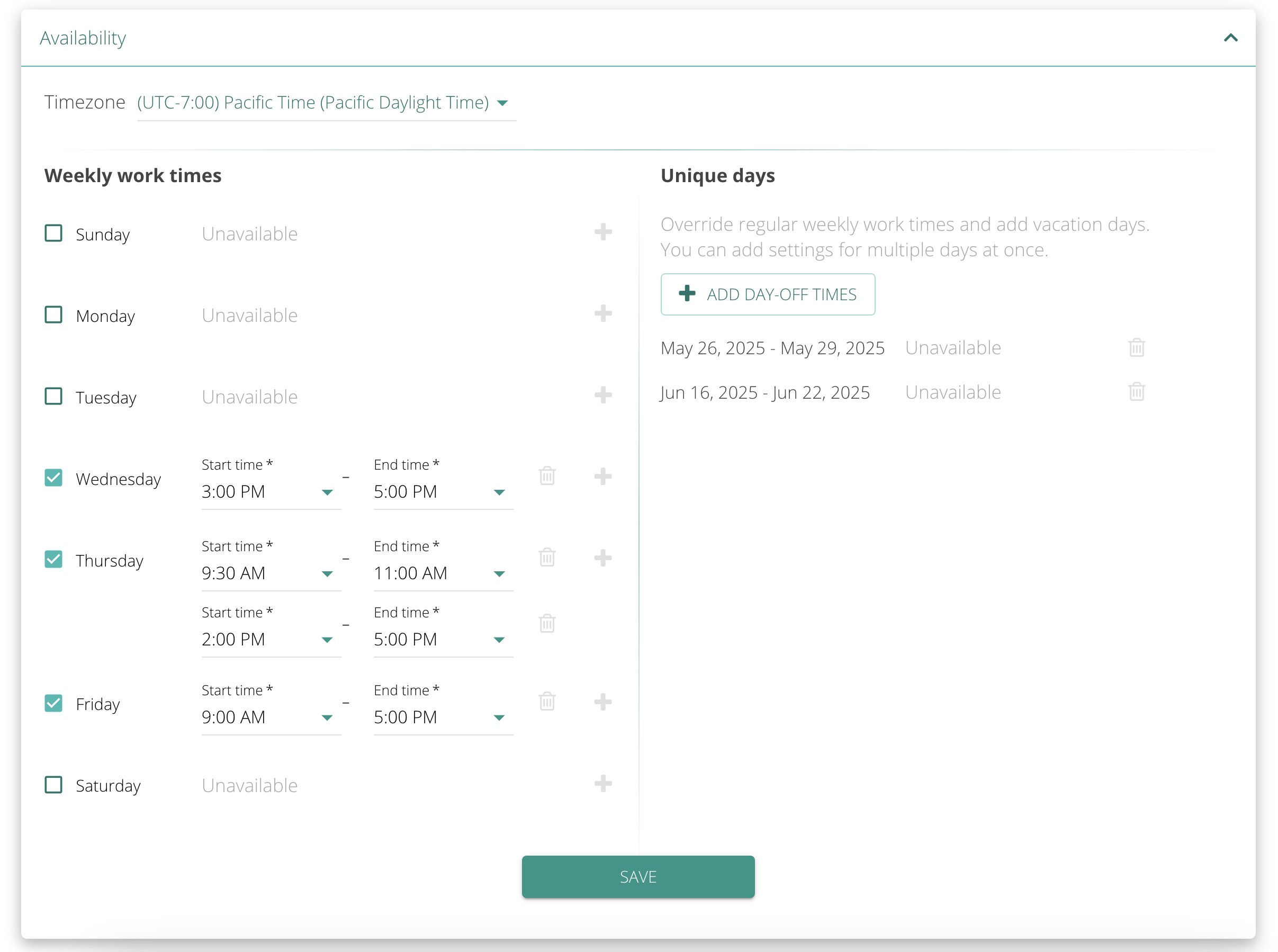
Here, you can also block out unique days, like vacations, when you will not be available.
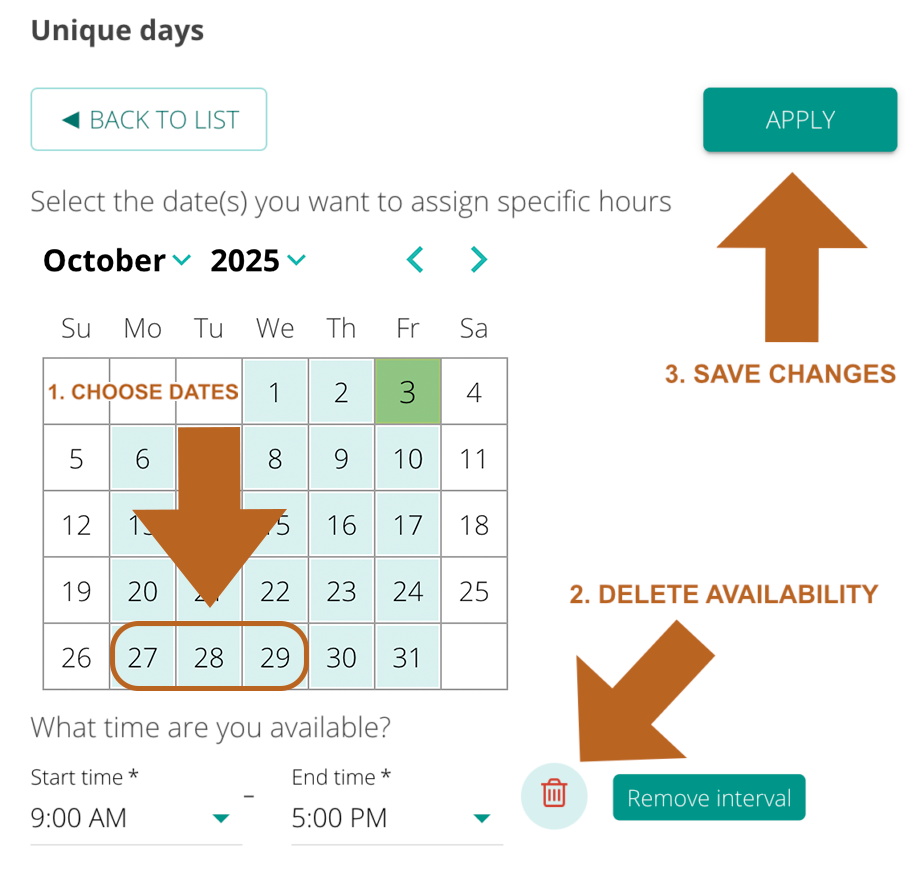
To block out unique days, click on ADD DAY-OFF TIMES and choose all the days that you wish to block out (1). Then, click on the trash icon next to available times and choose to REMOVE INTERVAL (2). Click APPLY to save your changes (3). Students will not be able to book one-on-one appointments with you during those times. This schedule will not affect your group events.
You can create different types of events that you teach for booking. The events can be one-on-one or group, virtual or in-person, and recurring. The event times don’t have to fit into your availability window. To create a new event, go to Event Types and click on ADD EVENT TYPE. Once the event is created, it will be available for booking. You will have to connect your Zoom account to book online events.
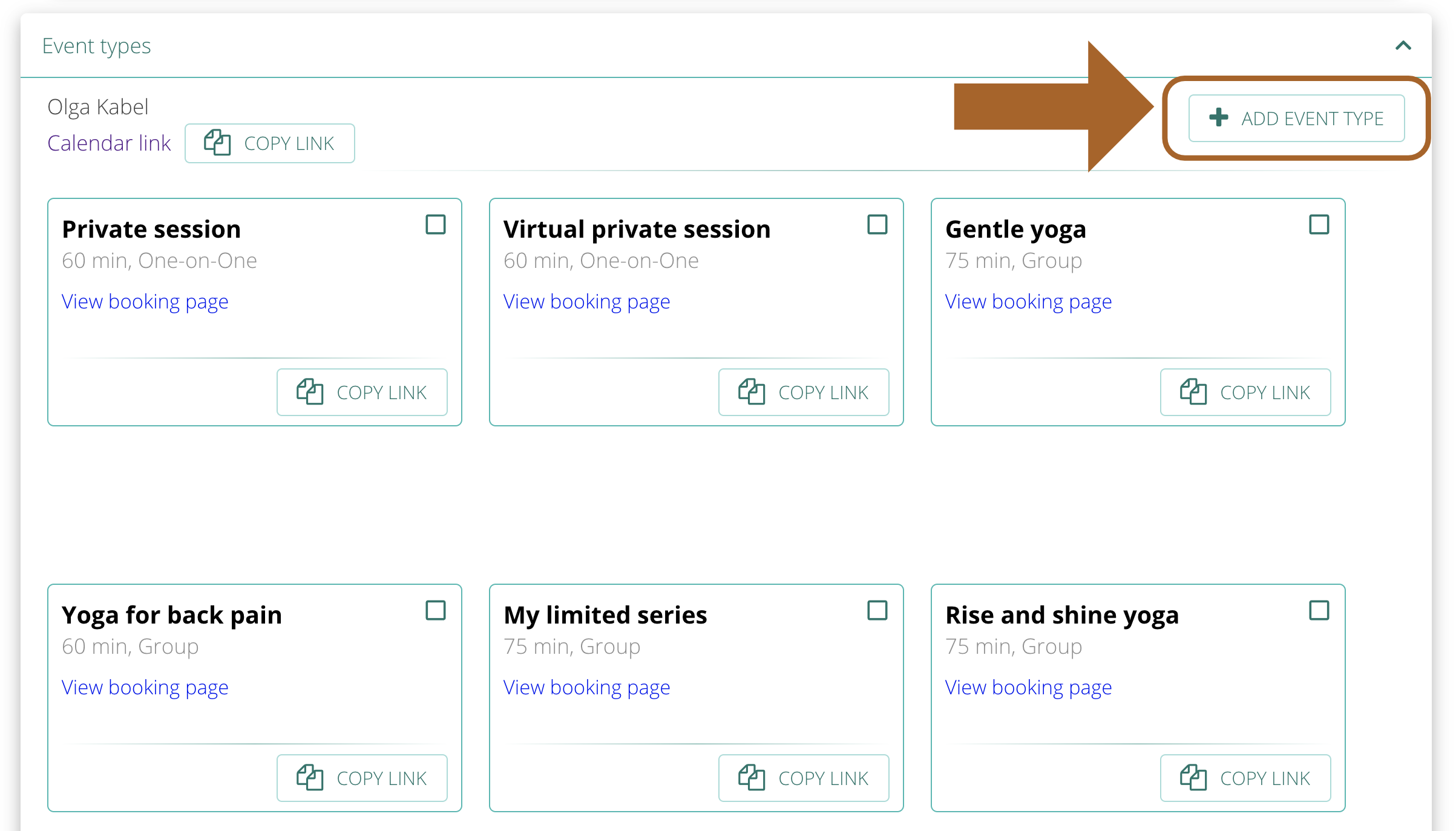
You can preview a booking page for each event by clicking on View booking page.
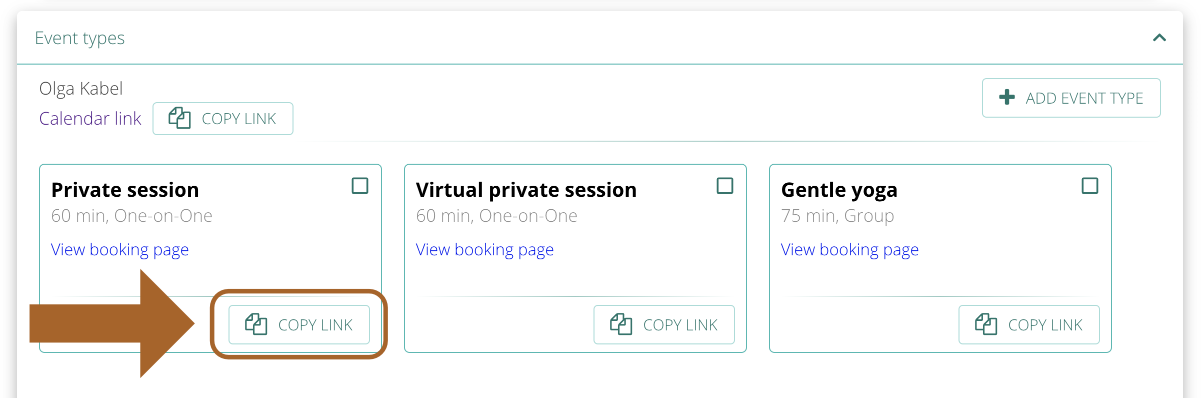
You can share the full calendar link or individual event calendar links anywhere you choose (websites, emails, texts, etc.) To get a link to a specific calendar, click on GET LINK within the event window.
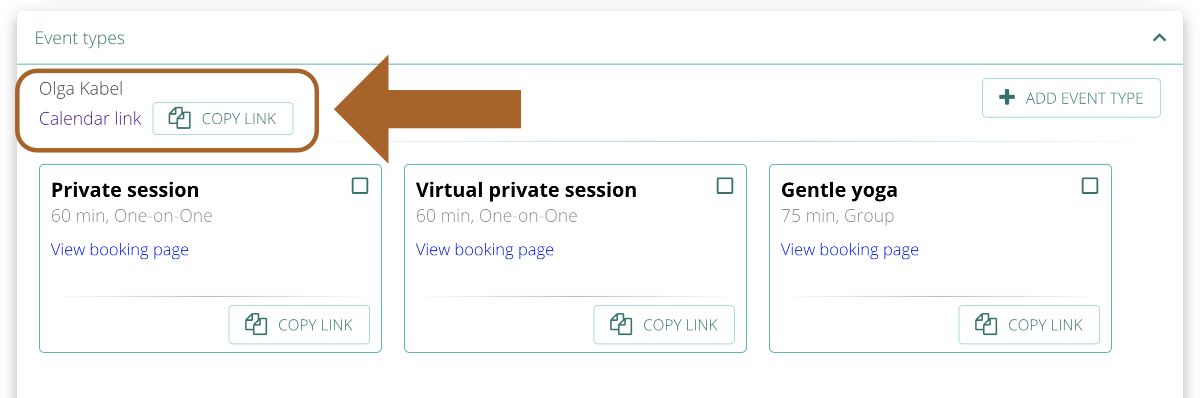
To get a link to a full calendar, click on GET LINK next to your name.
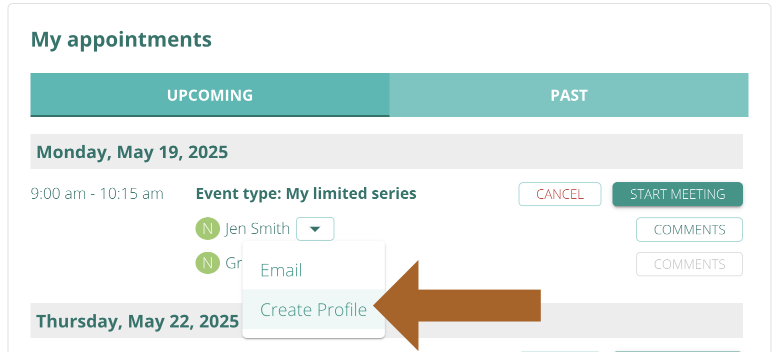
You can create a Student Profile for any student who books an appointment with you. New students are marked with N in a green circle, and existing students are marked with E in a blue circle in My appointments. Click on a downward-pointing arrow to email any student and to create a Student Profile for a new student.
How to connect your Zoom account to schedule online appointments